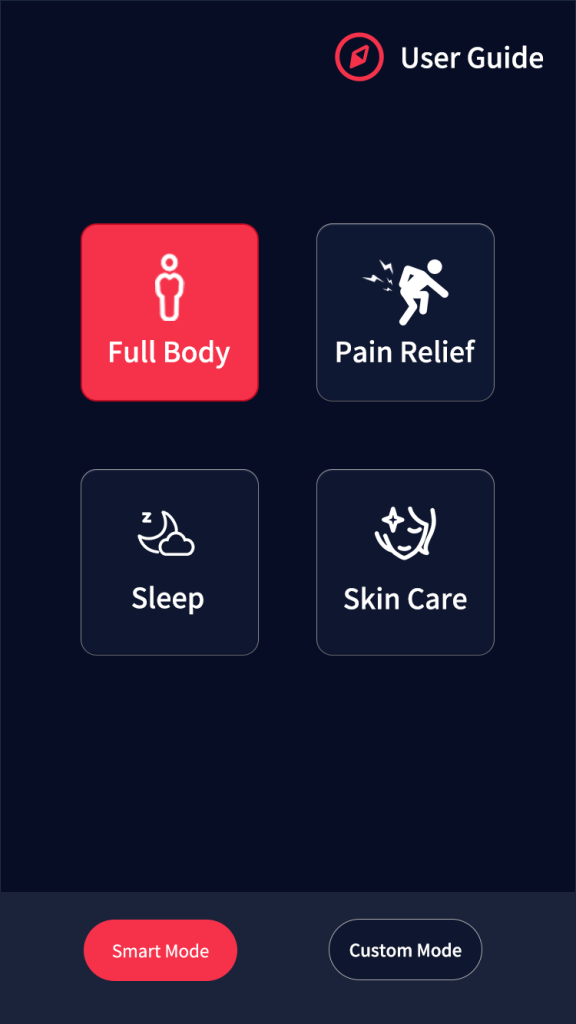
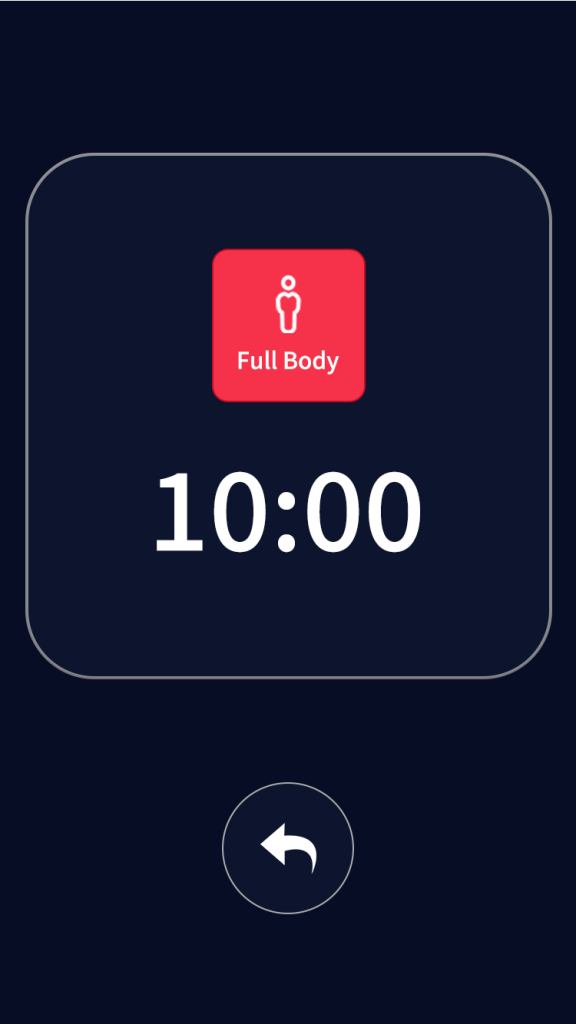
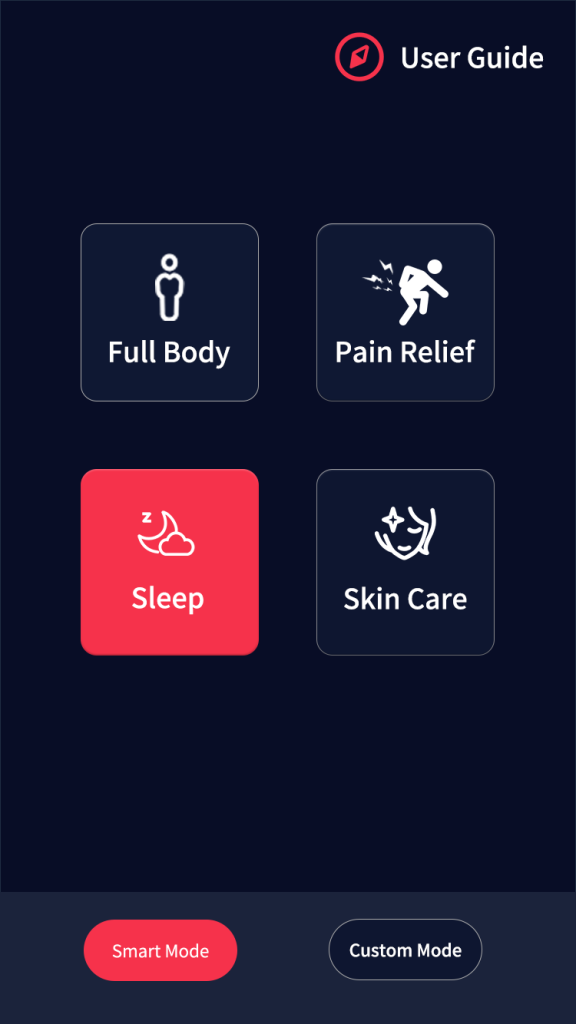
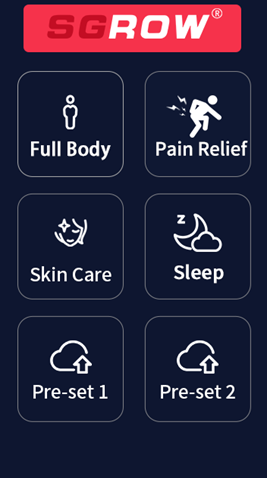
1. Full Body / Full Brightness Mode:This mode activates all lights at maximum intensity: both red light (633nm & 660nm) and infrared (810nm, 830nm, 850nm, 1060nm) operate at 100% brightness. It runs with a 10Hz pulse at a fixed, non-adjustable duration of 10 minutes.
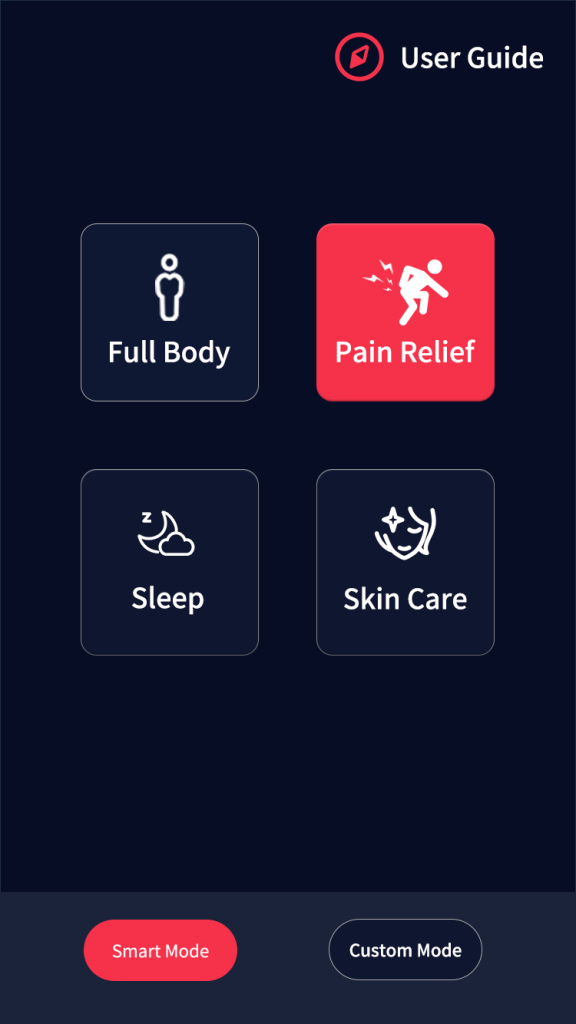
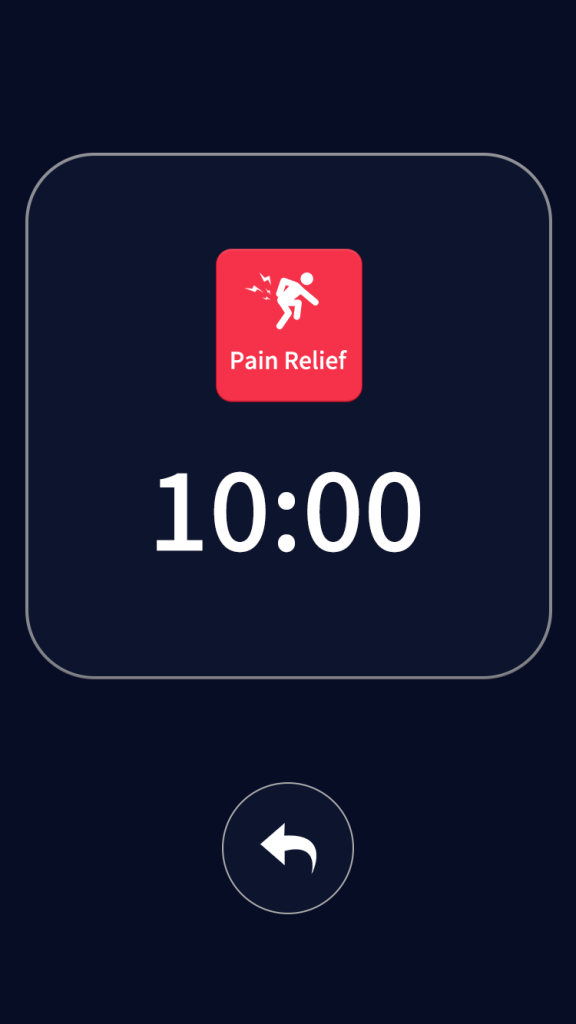
2. Pain Relief Mode:This mode combines red light (633nm & 660nm) at 50% intensity with full-power infrared (810nm, 830nm, 850nm, 1060nm) at 100% brightness. It operates at a 10Hz pulse for a fixed, non-adjustable treatment time of 10 minutes.
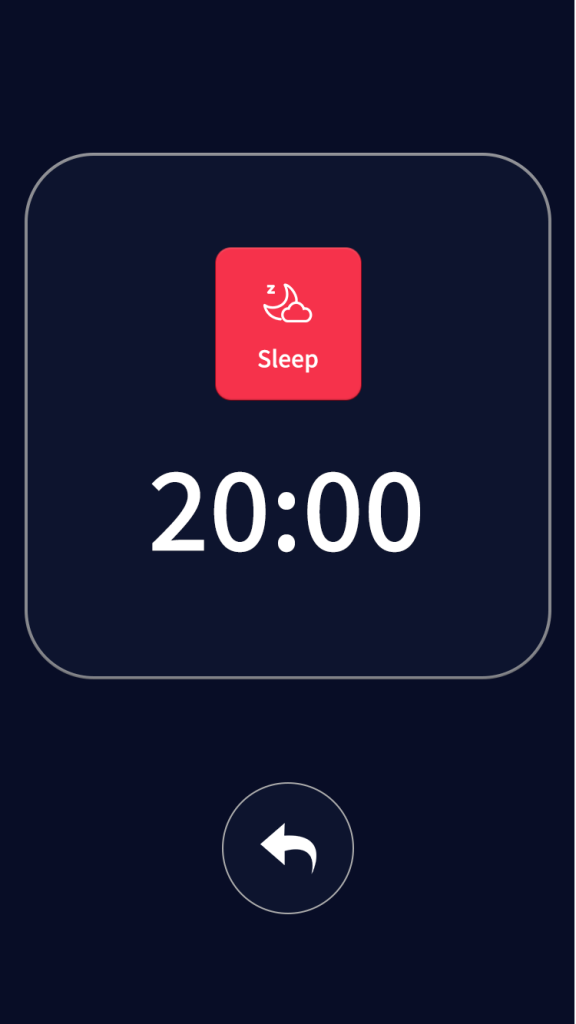
3. Sleep Mode:This mode utilizes very low-intensity red light (633nm & 660nm at 1%) combined with full-power infrared (810nm, 850nm, 830nm, 1060nm at 100%). It operates without pulse for a fixed, non-adjustable period of 20 minutes.
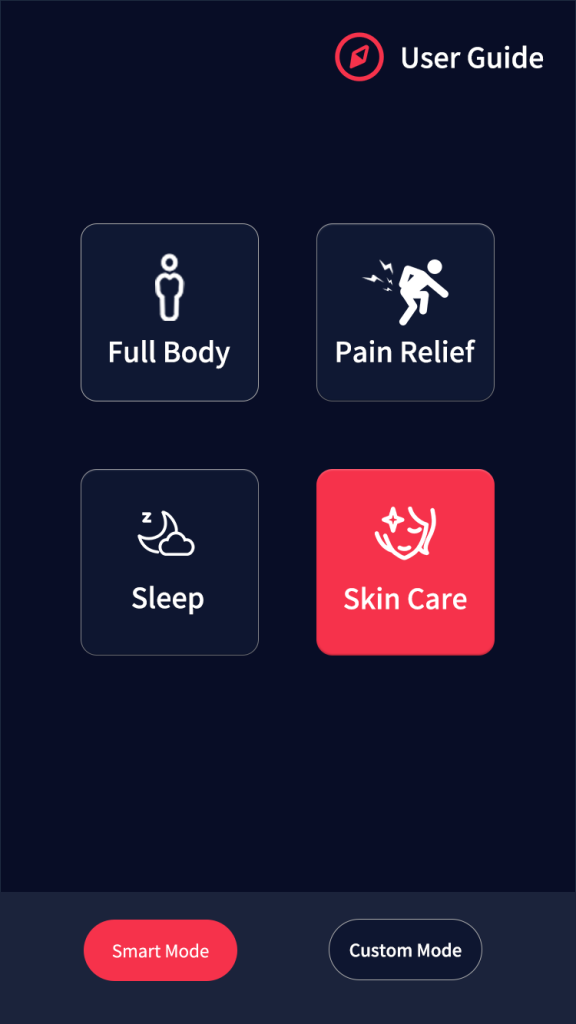
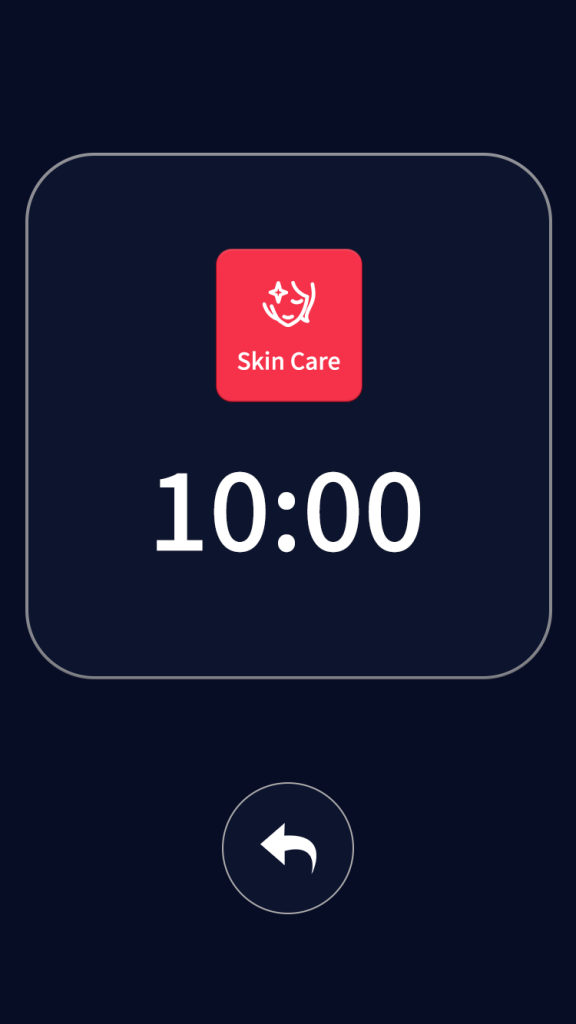
4. Skin Care Mode:This mode delivers full-intensity red light (633nm & 660nm at 100%) combined with specific infrared wavelengths (830nm & 1060nm at 100%). It operates without pulse for a fixed, non-adjustable treatment time of 10 minutes.
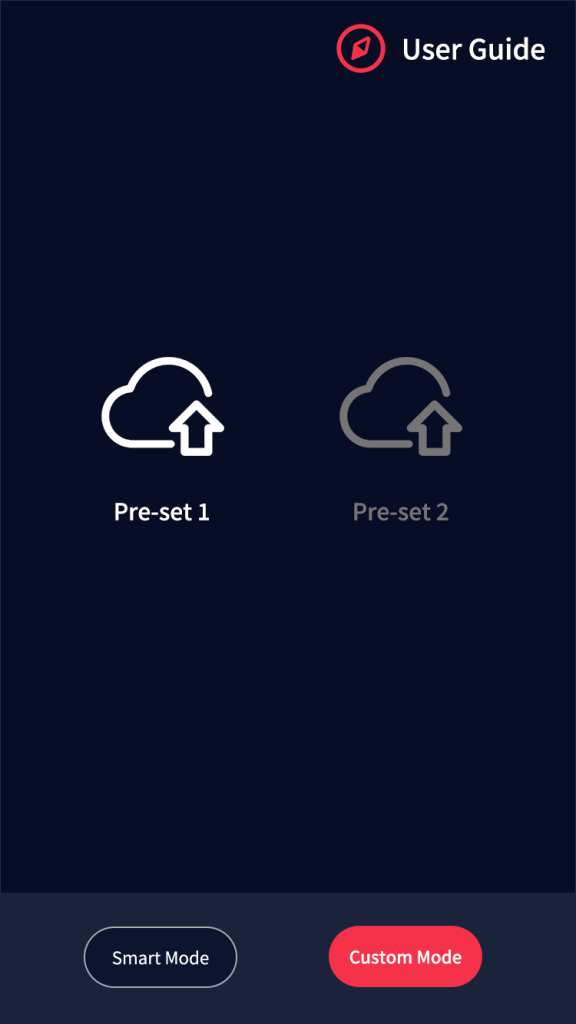
Custom Mode
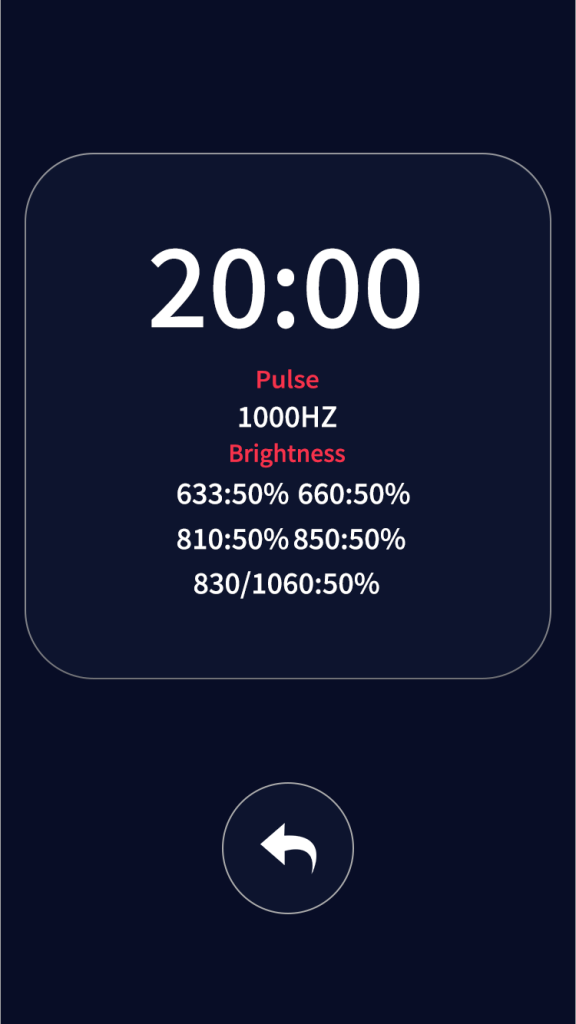
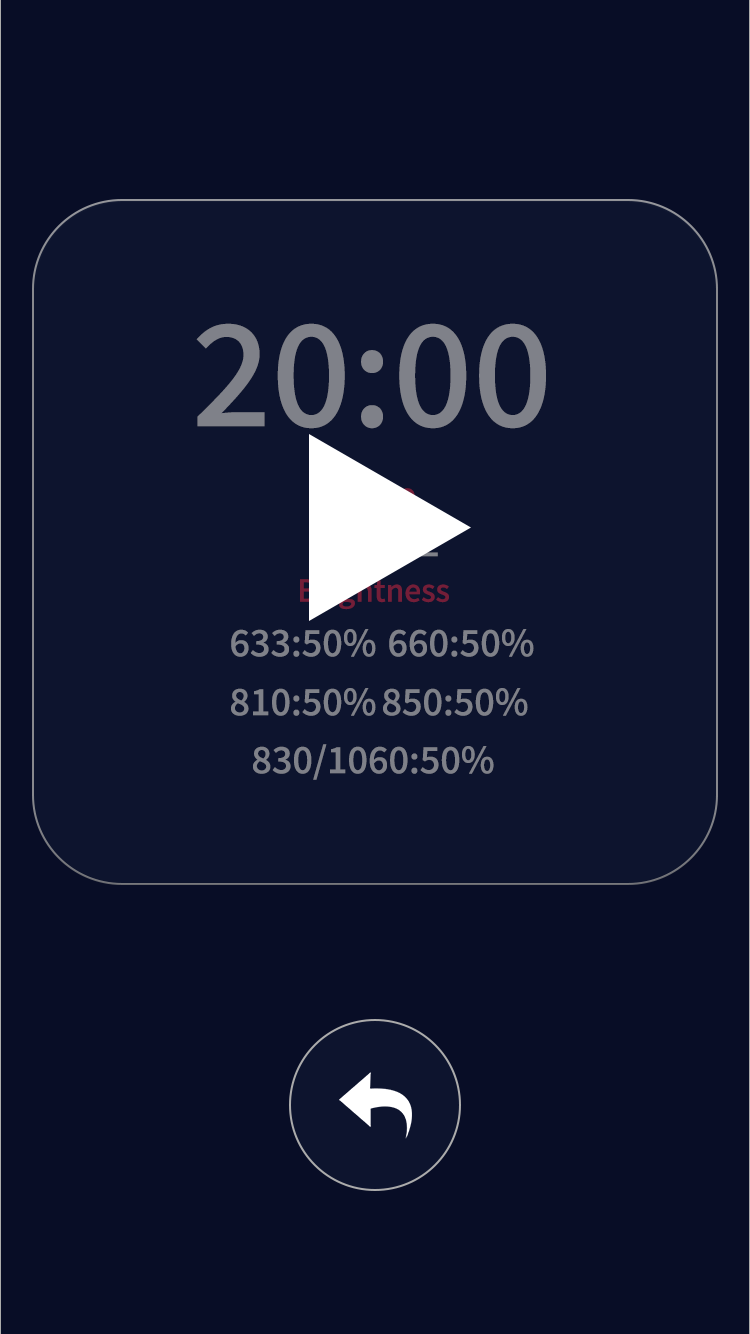
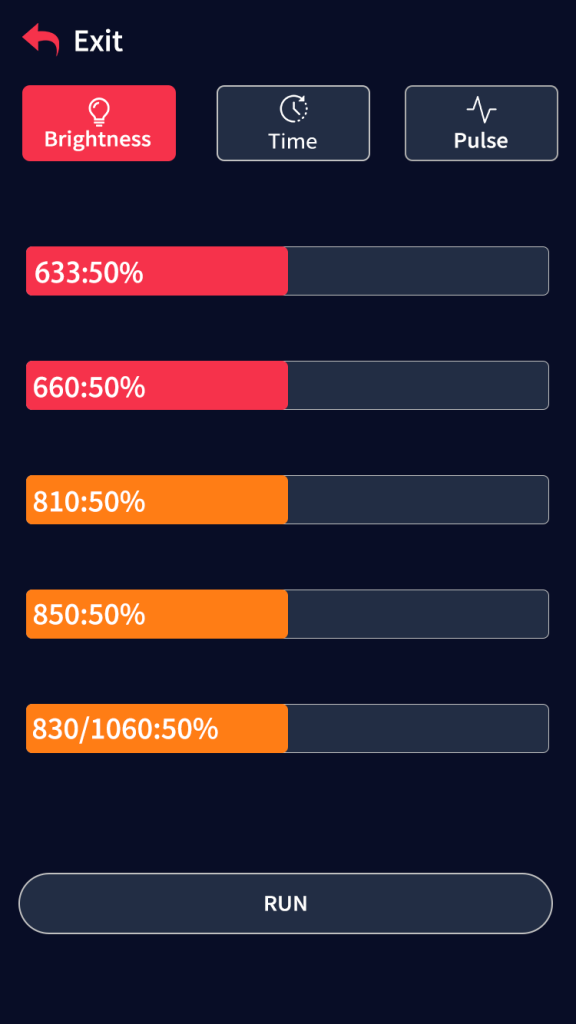
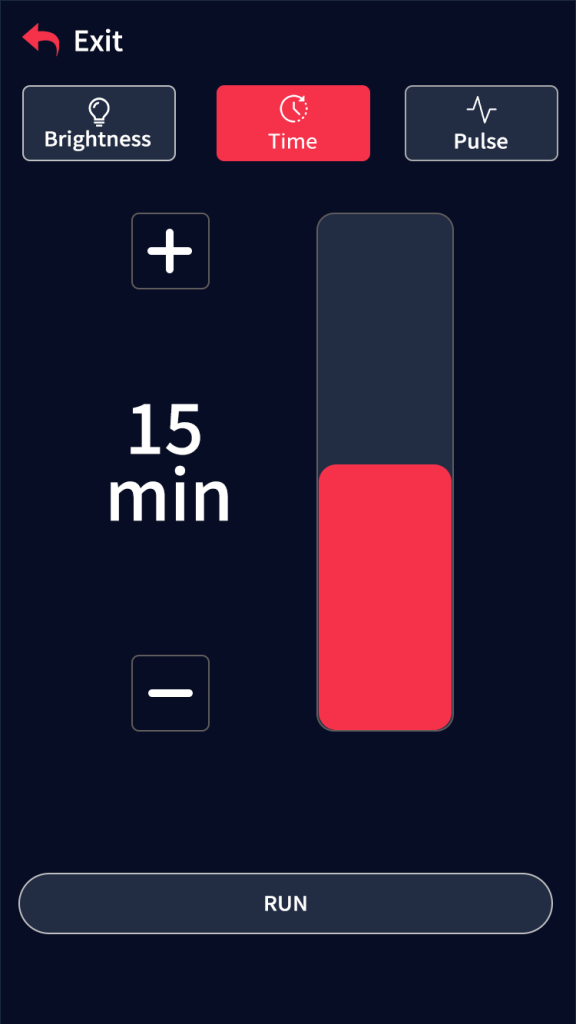
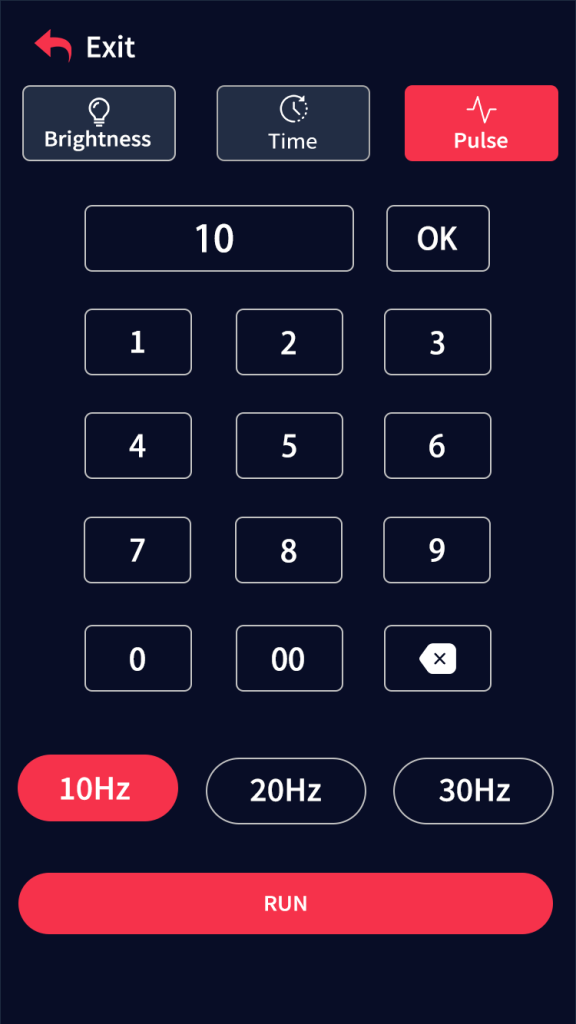
This mode allows you to set and save two personalized treatment configurations.
1. Brightness Adjustment
2. Timer
3. Pulse Function
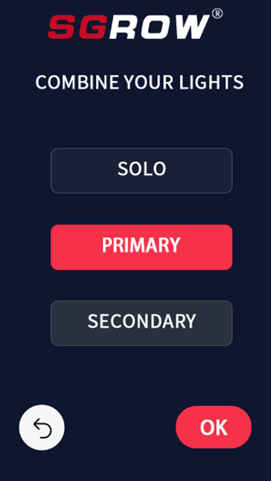
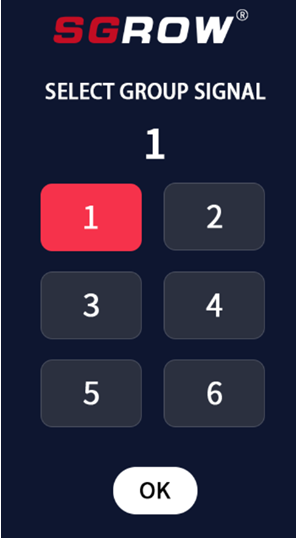
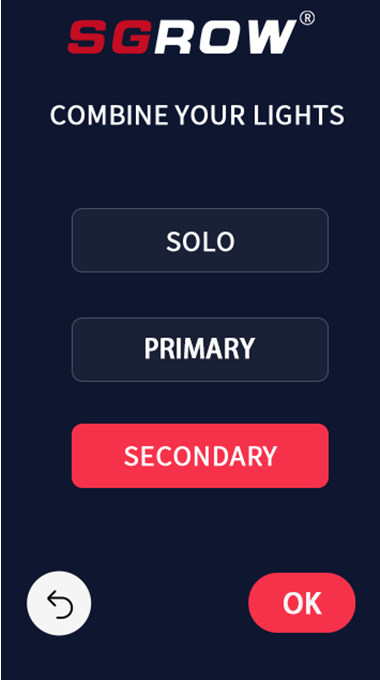
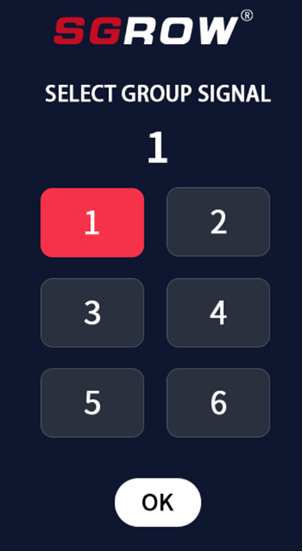
Multi-Device Operation Instructions
WhatsApp us
Quick Instant Quote
Our dedicated team is always ready to respond swiftly to your questions and needs, providing you with efficient and personalized support!
We offer customizable laser wavelengths to make your product stand out. For all inquiries, please feel free to reach out at: